Best No-Drill Smart Home Devices for Las Vegas Renters in 2026
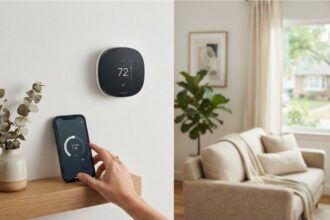
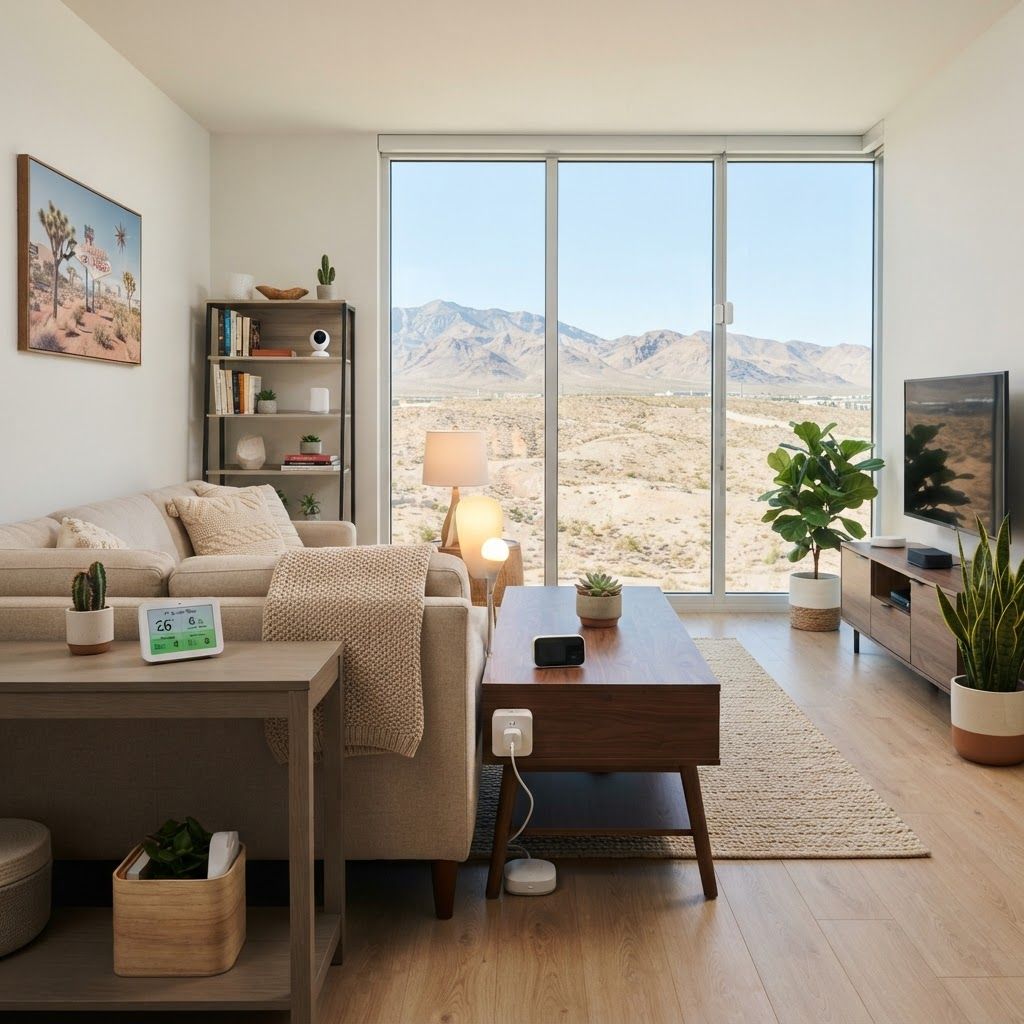
Finding the best no-drill smart home devices for Las Vegas renters in 2026 is mostly about choosing upgrades that improve comfort, safety, and energy awareness without risking a security deposit. Las Vegas apartments bring intense summer heat, dry air, dust, and higher cooling costs, so the right portable devices can make daily life easier without changing the property.
The good news is that many useful products now install with an outlet, a removable adhesive strip, or a simple shelf placement. Before buying, check your lease, avoid covering smoke alarms, and choose devices that can move with you when your lease ends.
1. Smart plugs for cooling and entertainment zones
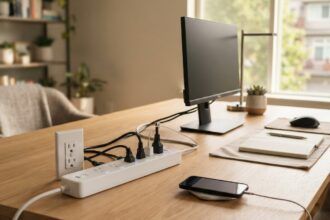
A smart plug is the easiest starting point for a Las Vegas rental. Plug a fan, desk lamp, TV, or charging station into a reputable model such as the Kasa Smart Plug Mini or Amazon Smart Plug. You can schedule devices to turn off overnight or when you leave, which helps reduce standby power without touching the apartment wiring.
Pro tip: Use one plug for a desk fan or evaporative cooler only if the product manufacturer allows it. Never connect high-load appliances such as window air conditioners, space heaters, or refrigerators to a basic smart plug unless its rating specifically supports that appliance.
Result: more control over small energy loads and fewer devices left running accidentally.
- Typical price: about $10–$30 per plug.
- Setup: plug in, connect to Wi-Fi, and create an automation.
- Best use: home-office equipment, lamps, fans, and media centers.
2. A compact temperature and humidity monitor
Las Vegas air can feel dramatically different indoors depending on the room, sunlight, and air-conditioning schedule. A compact sensor such as a Govee or SwitchBot monitor can track temperature and humidity from a shelf or nightstand. It does not control the building thermostat, but it shows when a bedroom is warmer than the rest of the apartment or when the air is unusually dry.
Place the monitor away from direct sunlight, vents, and kitchen steam. Use its history to decide whether you need better curtain placement, a small humidifier, or a conversation with property management about uneven cooling.
Pro tip: Compare readings in two rooms for several days before buying another appliance. A $20 sensor can prevent a much more expensive guess.
Result: better information about comfort instead of relying on one thermostat reading.
- Typical price: $15–$45.
- Renter-friendly placement: shelf, dresser, or removable desktop stand.
- Watch for: battery life and whether cloud history requires a subscription.
3. Peel-and-stick entry sensors for apartment awareness
For renters who want a simple notification when a door or window opens, peel-and-stick contact sensors are more practical than a wired alarm. Products from Ring Alarm, SimpliSafe, Aqara, and other ecosystems can send an alert to a phone when the two sensor pieces separate. They are especially useful for a patio door, a storage closet, or a bedroom window.
Follow the adhesive instructions and clean the surface with the recommended method. Keep the sensor away from moving door hardware, and remove it slowly at move-out. If your building has rules about security equipment, ask before installing anything in a shared hallway or on the exterior.
Pro tip: A sensor is not a substitute for a monitored alarm or emergency service. Use it for awareness, and keep emergency contacts and building procedures easy to find.
Result: low-cost notifications without drilling, wiring, or permanent changes.
- Typical price: $15–$35 per sensor, plus any hub requirements.
- Best locations: private entry doors, patio doors, and accessible windows.
- Privacy note: choose systems with clear data and camera settings.
4. Smart LED bulbs for cooler, flexible lighting
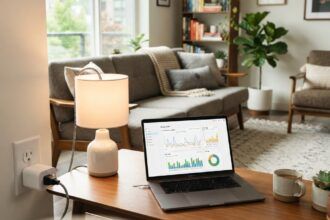
Smart LED bulbs are portable and can move to your next apartment. Choose dimmable bulbs from Philips Hue, Wiz, or Kasa that fit the existing fixture. Scheduling lights can make the apartment look occupied while you are away, and dimming them in the evening can make a bedroom feel more comfortable without adding heat from old incandescent bulbs.
In a Las Vegas apartment, avoid placing lamps where direct afternoon sunlight can overheat electronics. If your building has unusual voltage, flickering, or fixture problems, report those issues rather than trying to solve them with a smart bulb.
Pro tip: Start with two bulbs in the rooms you use most. Buying a whole-home kit before testing Wi-Fi coverage is an easy way to waste money.
Result: flexible lighting scenes, lower energy use, and no permanent installation.
- Typical price: $8–$50 per bulb.
- Best feature: local control or a reliable schedule when Wi-Fi drops.
- Check first: bulb shape, brightness, color temperature, and fixture compatibility.
5. A portable air-quality monitor
Dust and outdoor air can be a concern in any desert city, particularly during windy days or nearby construction. A portable air-quality monitor can measure particulate levels and sometimes carbon dioxide, temperature, or humidity. Place it in a bedroom or home office, not directly beside a cooking surface or air vent.
Use readings as a prompt to improve ventilation, replace approved HVAC filters on schedule, and keep windows closed when outdoor conditions are poor. If anyone in the household has respiratory symptoms, treat the monitor as informational and speak with a qualified healthcare professional.
Pro tip: Look for a device that explains what it measures. “Air quality” is not one universal number, and a cheap sensor should not be treated as a medical instrument.
Result: clearer feedback about indoor conditions and filter or ventilation decisions.
- Typical price: $40–$150.
- Best placement: a room where you spend several hours daily.
- Maintenance: keep the sensor unobstructed and follow calibration guidance.
6. A leak sensor for under-sink and laundry areas
A small water-leak sensor can sit under a bathroom sink, near a washing machine, or beside a water heater if the location is safe and accessible. It can alert you to a drip before it damages cabinets or flooring. This is one of the most useful renter-friendly devices because early notice helps you contact maintenance quickly.
Do not place electronics where they can be submerged, and do not interfere with building equipment. Take a photo of the sensor location for your move-in records so everyone understands it is a removable monitoring device, not a repair.
Pro tip: Test the alert after setup with a damp paper towel, then dry the sensor completely. A notification you have never tested is not a reliable plan.
Result: earlier warning and a better chance to limit water damage.
- Typical price: $15–$50 each.
- Best locations: under sinks, near laundry hookups, and beside visible supply lines.
- Important: report leaks to the landlord or maintenance team immediately.
7. A renter-friendly smart lock alternative
Changing a deadbolt can violate a lease or create compatibility problems, but renters still have options. An interior retrofit device, such as a model that turns the existing thumb-turn from inside, may offer app control while leaving the exterior hardware unchanged. Always confirm compatibility and get written permission when required.
If a retrofit lock is not allowed, use a portable door alarm or a simple entry sensor instead. Never block a required exit, disable a fire-safety feature, or share access codes casually.
Pro tip: Measure the existing lock and read the return policy before ordering. Apartment doors and deadbolts vary more than product photos suggest.
Result: convenience without assuming that every smart lock fits every rental door.
- Typical price: $30–$150, depending on the system.
- Permission: check the lease and ask management before modifying hardware.
- Security: use unique passwords and enable multi-factor authentication.
8. How to build a small Las Vegas renter setup
You do not need a full ecosystem. A practical starter setup could be one temperature monitor, two smart plugs, two LED bulbs, and one leak sensor. That bundle may cost roughly $80–$180 depending on brand and promotions at retailers such as Best Buy, Walmart, Target, or Amazon.
Choose one platform where possible so automations are easier to manage. Matter-compatible devices can improve flexibility, but compatibility still depends on the controller, Wi-Fi network, and specific product features.
Pro tip: Add one device at a time and label each device in the app by room. A tidy setup is safer and easier to remove at move-out.
Result: useful smart-home benefits without turning a rental into a complicated electronics project.
- Start with comfort or safety, not novelty.
- Keep receipts, boxes, and removal instructions.
- Review connected accounts before moving and factory-reset devices.
Conclusion
The best no-drill smart home devices for Las Vegas renters in 2026 are portable tools that solve a specific problem: a smart plug for small energy loads, sensors for temperature or leaks, flexible lighting, and carefully selected entry awareness. Focus on removable installation, privacy, safe electrical ratings, and lease compliance. Start small, measure whether a device actually helps, and keep every upgrade easy to take with you.
Frequently Asked Questions
What is the best first smart device for a Las Vegas renter?
A smart plug or temperature monitor is usually the simplest first purchase because it requires no permanent installation and solves an everyday comfort or energy problem.
Can renters install peel-and-stick sensors?
Often yes, but check the lease and follow the adhesive removal instructions. Do not install devices in shared spaces or alter building security equipment without permission.
Do smart plugs lower an apartment electric bill?
They can reduce wasted standby power and automate small loads, but they cannot replace efficient air-conditioning use or building-level improvements.
Are smart locks allowed in Las Vegas apartments?
It depends on the lease, door hardware, and property manager. Ask for written permission and consider a non-invasive interior retrofit or door sensor.
How should smart devices be removed when moving?
Delete them from the app, factory-reset them, remove adhesive slowly, restore fixtures, and take the devices with you. Keep documentation of the original condition.